See exactly what any cinema camera and lens will frame, before the gear arrives.
Choose a camera, its sensor mode, a lens and a frameline. TruVisor shows exactly what that combination will frame, live, from where you stand.
- Real sensor sizes
- 36.70 × 25.54 mm
- Never stretched
- The native frame fits the screen
- Beside the frame
- HFOV 54.4° · FF EQUIV 35mm
- Anamorphic
- Desqueezed correctly
Three choices, one exact frame
-
01 Choose the camera and sensor mode Cinema cameras, mirrorless bodies and film formats, down to open gate and S35 crops.
-
02 Choose lenses and an adapter Prime, zoom and anamorphic series with T-stops and close focus. Add a reducer or extender.
-
03 See the frame The iPhone shows exactly what that camera and lens will frame, from where you stand.
Change lenses with a swipe
Step through your lens set with the arrows or a swipe across the image. The iPhone zooms smoothly to each focal length, and zoom lenses get a dial.
- Three ways to change lens: ◀ ▶ buttons, a horizontal swipe on the image, or tap the focal label for the full list.
- Zoom lenses get a logarithmic focal-length dial; the label reads 24–70 · 35mm.
- The zoom ramps over about 0.28 s instead of jumping. A capture during the ramp saves the end of it, so the frame matches the preview.
- A haptic tick on every lens change.
Framelines for any aspect ratio
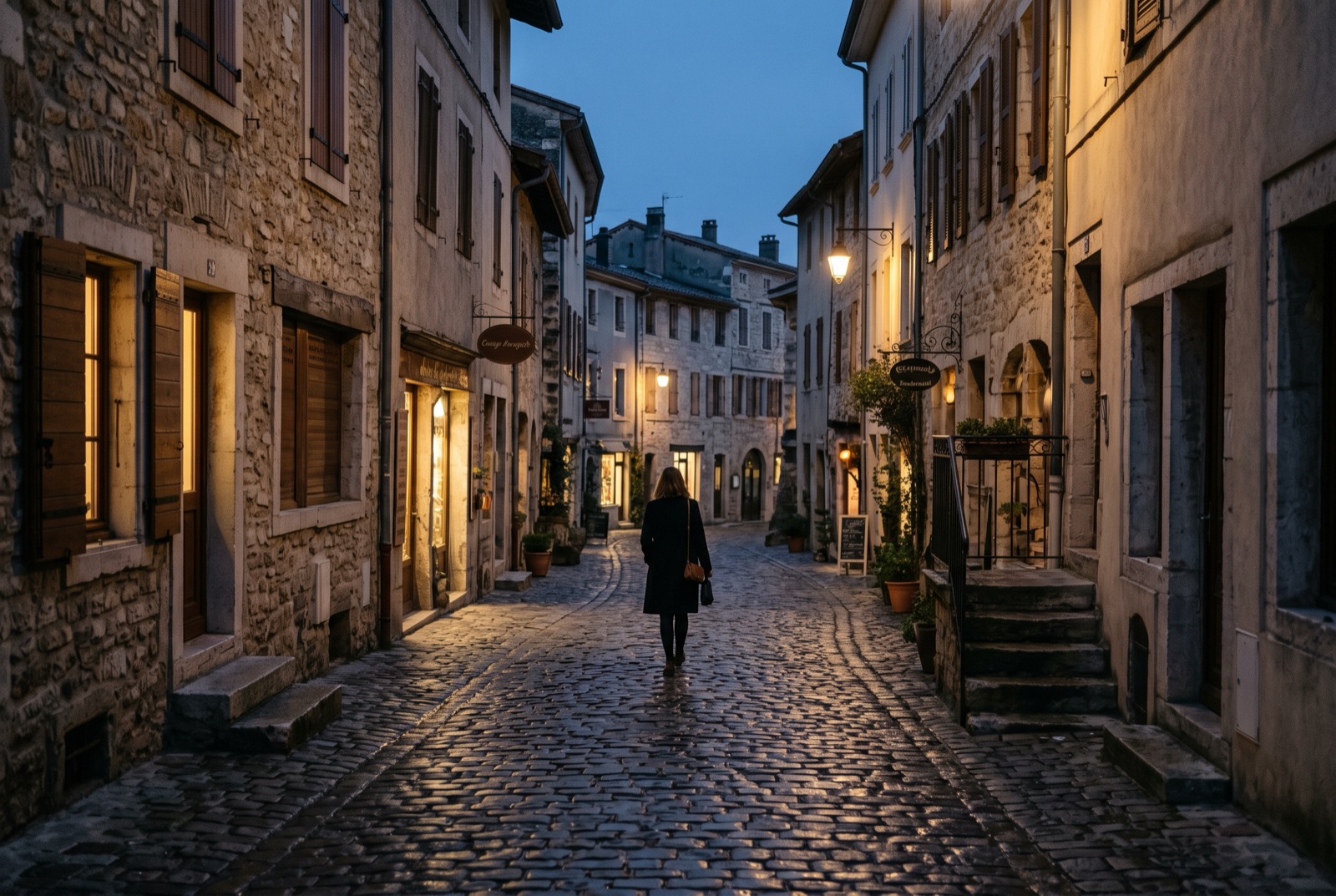
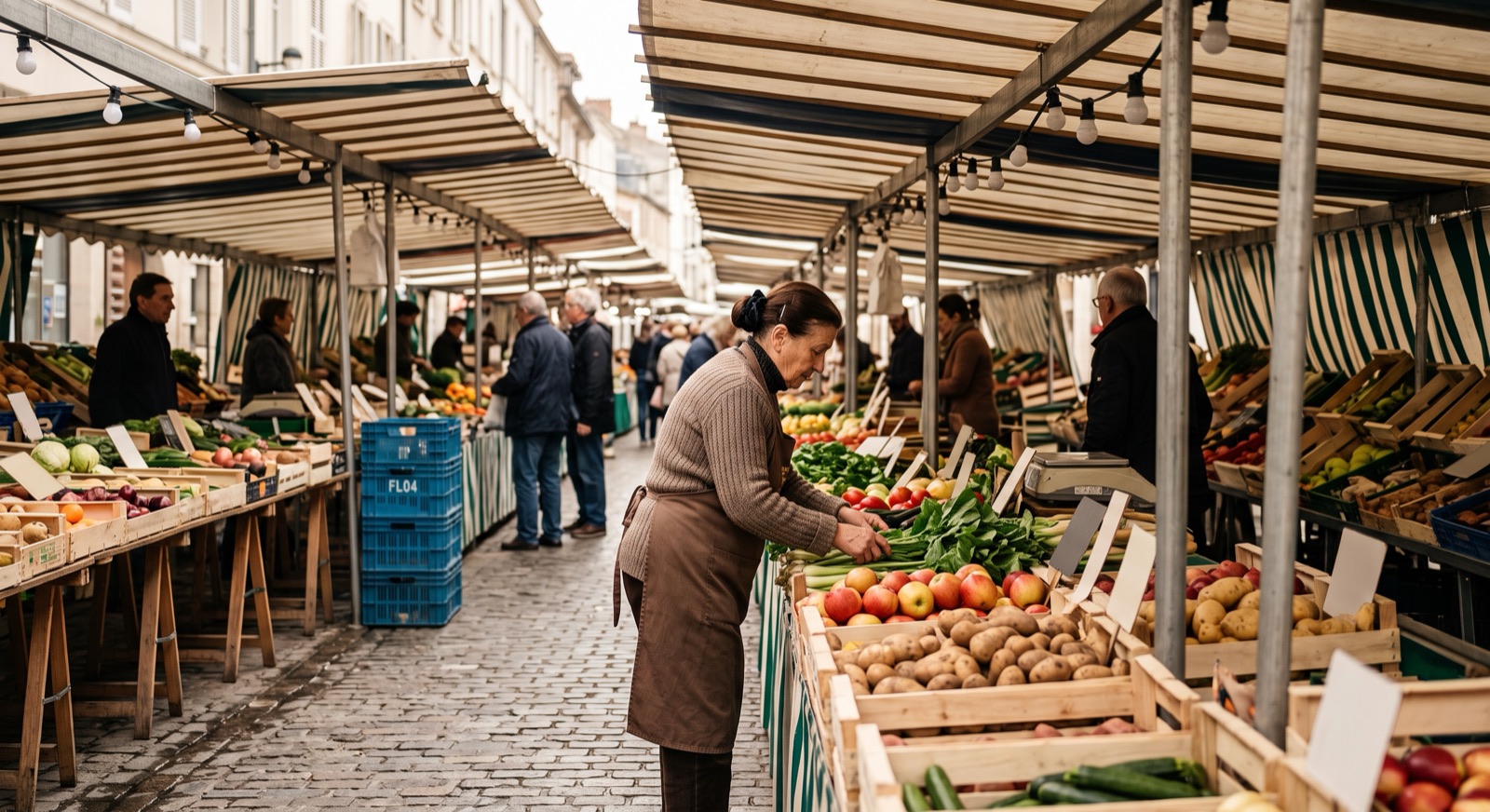
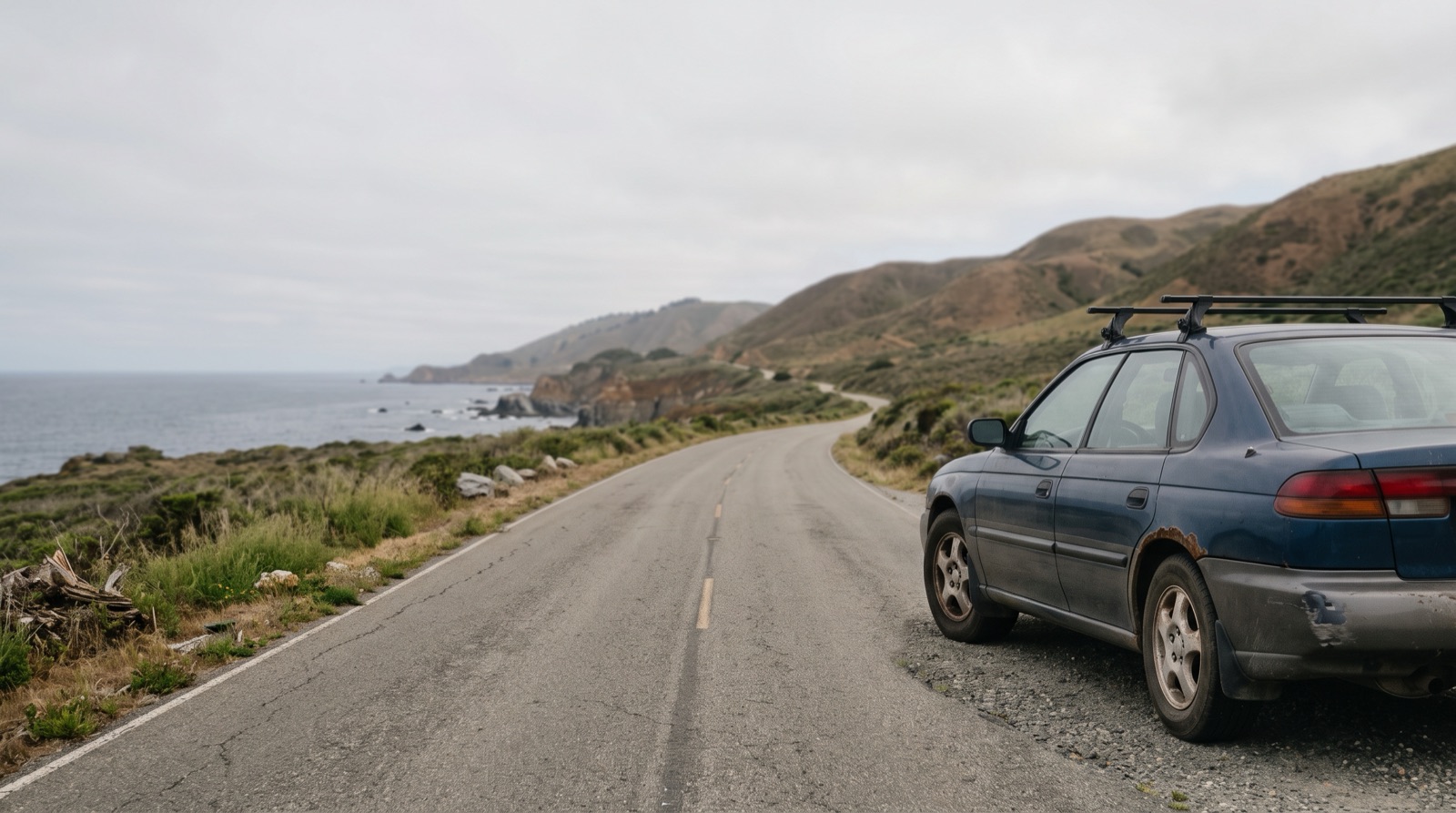
Lay a frameline over the native frame and dim everything outside it. Pick a standard ratio, type your own, or simulate recording only part of the sensor.
- 18 standard ratios from 1:1 to 2.76:1, including 1.85:1, 2.39:1 and vertical 9:16 and 4:5.
- Custom ratios typed as 2.2, 2.2:1 or 4:5.
- Matte opacity from 0 to 90 % (60 % by default), a choice of frameline color, and an optional outline of the native frame.
- Native-ratio override: record 16:9 from a 3:2 open-gate mode.
Anamorphics, reducers and extenders
Anamorphic lenses and adapters are desqueezed correctly, and focal reducers and extenders change the field of view just as they do on the camera.
- Each adapter shows its effect, for example ×0.71 focal · +1.0 stop.
- Anamorphic lens series carry a squeeze badge: 2× ANA.
- With an adapter, the focal label shows the effective focal length: 50mm (35.5).
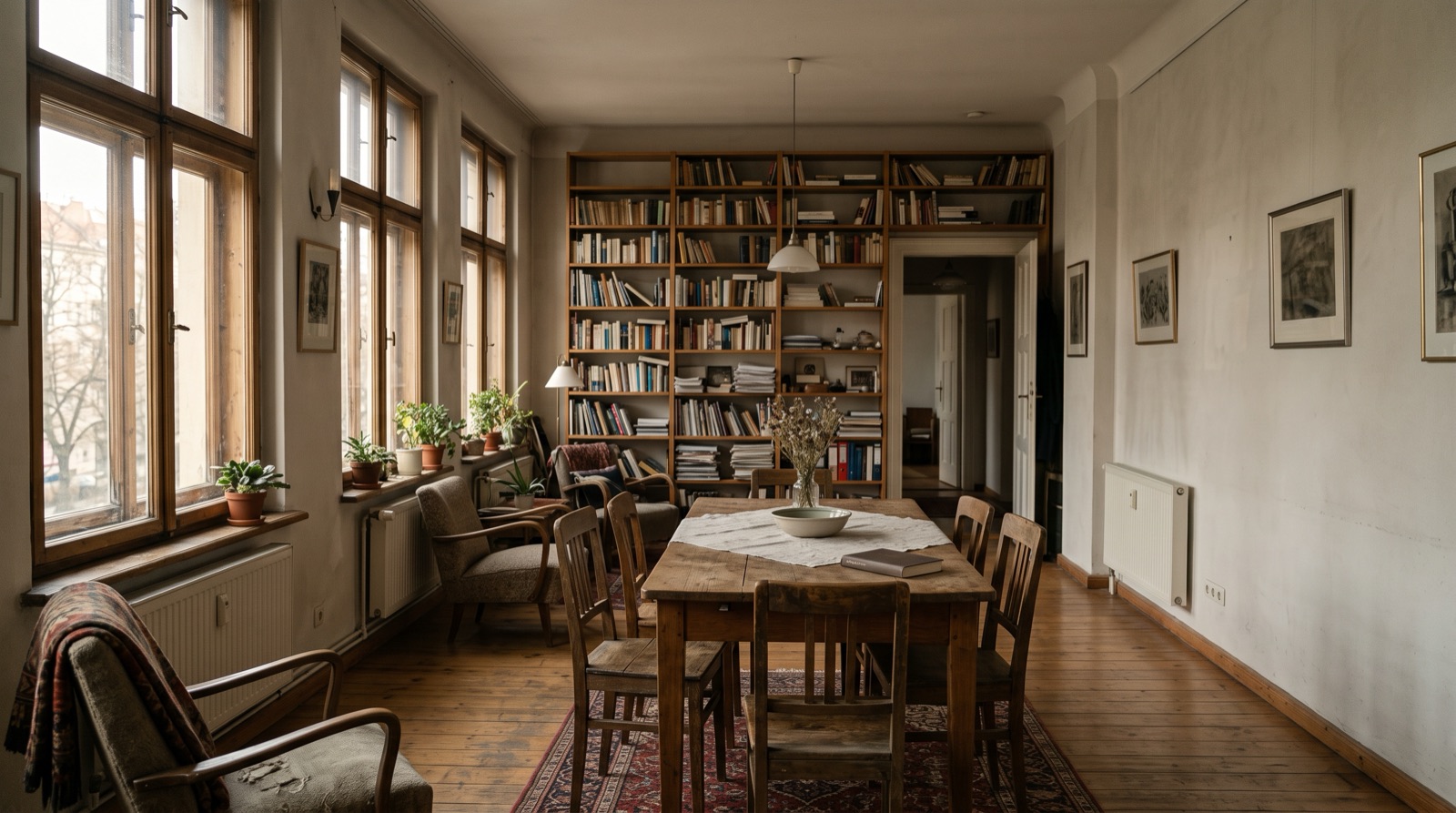
- Focal reducers
- 0.64× · 0.71× · 0.8× ×0.71 focal · +1.0 stop
- Extenders
- 1.4× · 1.5× · 2× ×1.4 focal · −1.0 stop
- Anamorphic adapters
- 1.33× · 1.5× · 2× Desqueezed in the frame
Check lens coverage before the shoot
Pick a camera, recording format, lens and adapter. TruVisor draws the image circle over the recorded area to scale and shows whether the corners or edges go dark.
- Four verdicts, each with an icon: Covers the frame, Dark corners, Black edges and Coverage unknown.
- Reducers and extenders scale the circle: a 0.71× reducer turns ⌀ 43.3 mm into ⌀ 30.7 mm.
- The recorded area is the mode’s area after any native-aspect crop, still squeezed for anamorphic lenses, because that’s what the lens has to light.
- Lenses without a published circle use a typical one for their coverage format, drawn dashed and labeled as an estimate: ⌀ 31.1 mm est.
- Opens from the Coverage button on the current setup. Nothing changes in the viewfinder until you tap Use in Viewfinder.
Lens mount fit isn’t checked, and zooms often cover less at the wide end.
156 of 285 catalog lenses have a published image circle · as of 2 October 2026
Focus, exposure and white balance at your thumb
Tap the image to focus and meter, lock focus, dial in exposure compensation or lock white balance, so you can judge the light on location.
- Tap to focus and meter, marked by an amber reticle; AF lock holds it.
- EV: ±3 in ⅓ stops, with a detent at 0.
- WB lock: 2500–8000 K in 100 K steps, with detents at 3200 K and 5600 K. Unlocked, it shows the auto estimate.
- The dial moves relative to your finger, so it never jumps. Tap the selected cell again to reset.
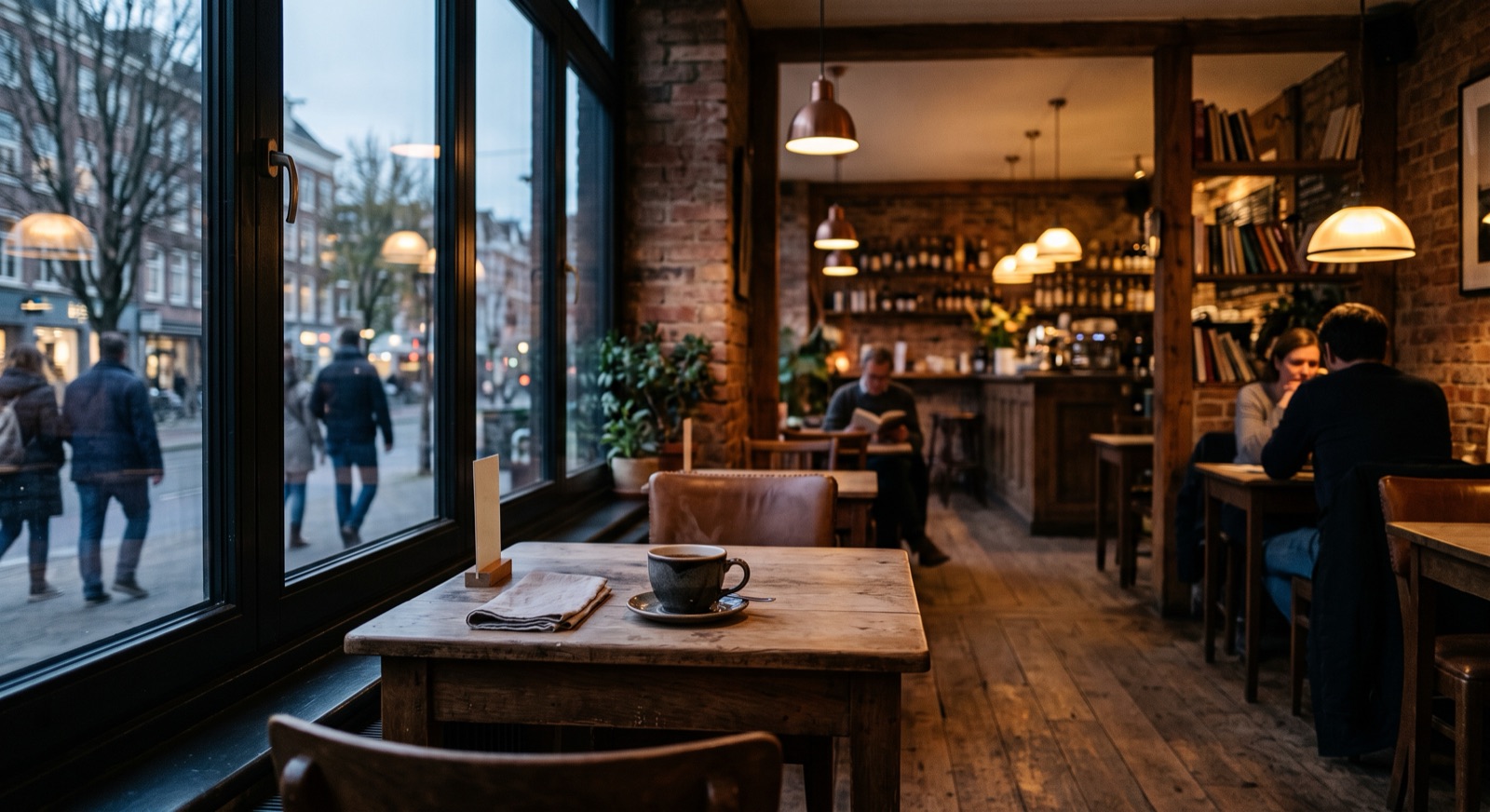
- AF lock
- Tap · hold
- EV
- ±3 · ⅓ stop
- WB lock
- 2500–8000 K
Know where the sun will be
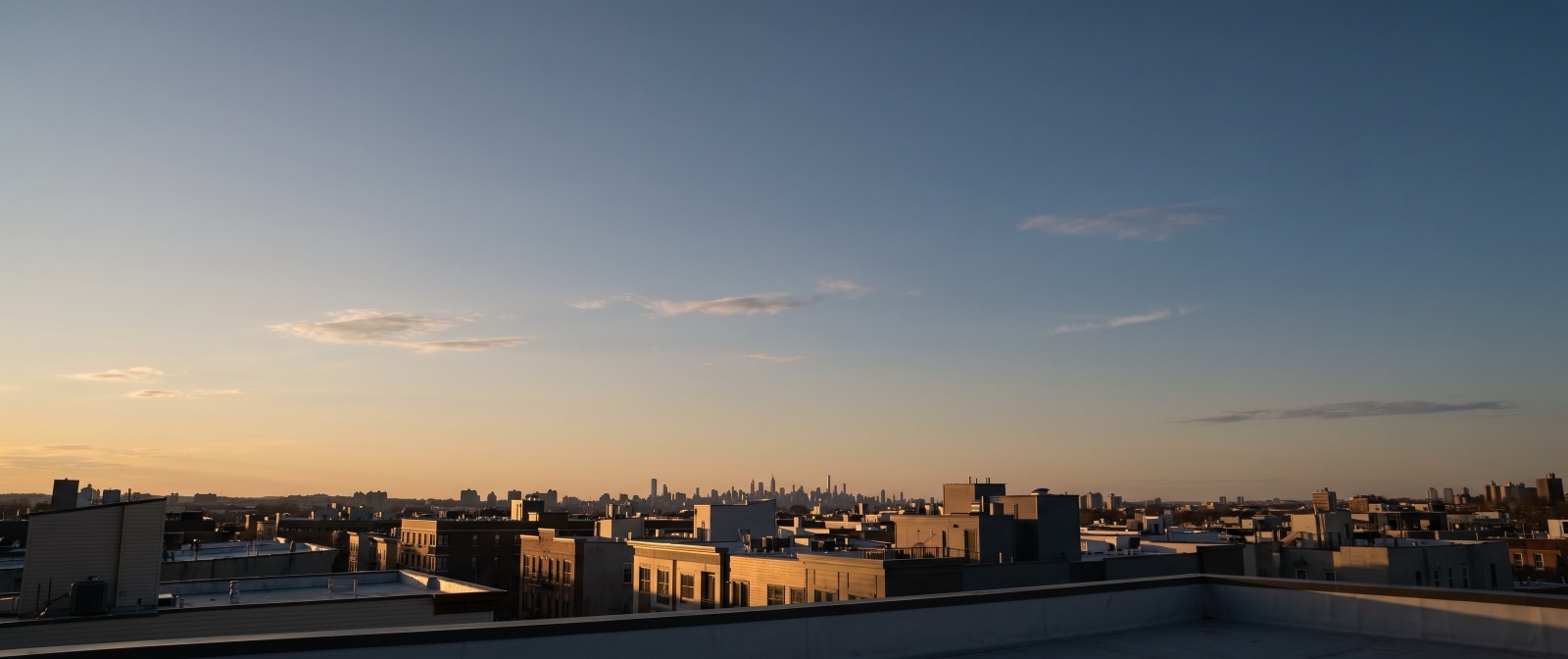
See the sun’s path for any day drawn over the live image, then scrub a timeline to find sunrise, golden hour and sunset from exactly where you stand.
- The path is colored by the light: day, golden hour (−4° to +6°), and dashed below the horizon, with a mark at every hour.
- A horizon line with compass points, plus sunrise and sunset markers.
- A day timeline shows night, blue hour, golden hour and day. Drag to pick a time; it snaps to sunrise, sunset and now.
- Pick any date. An arrow points to the sun when it’s out of view. Calculated on the iPhone; needs location access.
Framed stills and PDF shot reports
Capture the frame with its lens, heading and location, then export a PDF shot report for the tech scout, with map QR codes and space for notes.
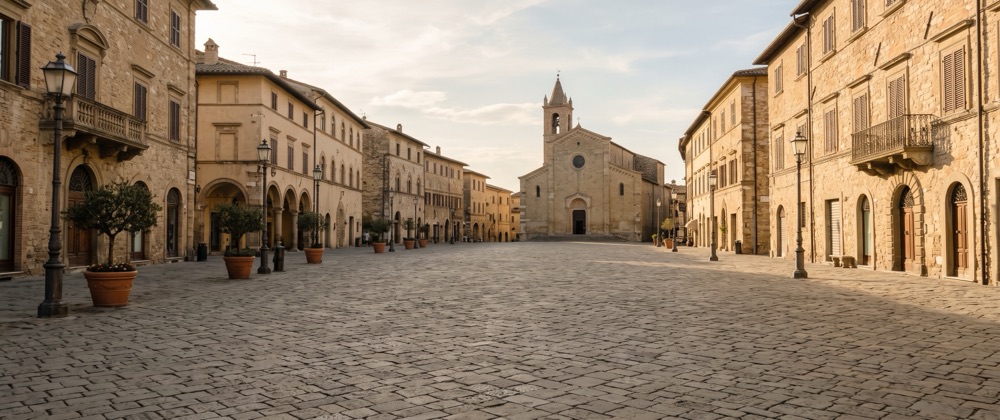
- Each frame is cropped to the native frame, with the frameline and matte burned in.
- Each frame records camera, mode, lens, adapter, frameline, HFOV, compass heading, GPS position, street address and time.
- The PDF is A4 with four shots per page: project name, ruled notes, compass, timestamp, address and a QR code that opens Apple Maps.
- Frames can be shared as images.
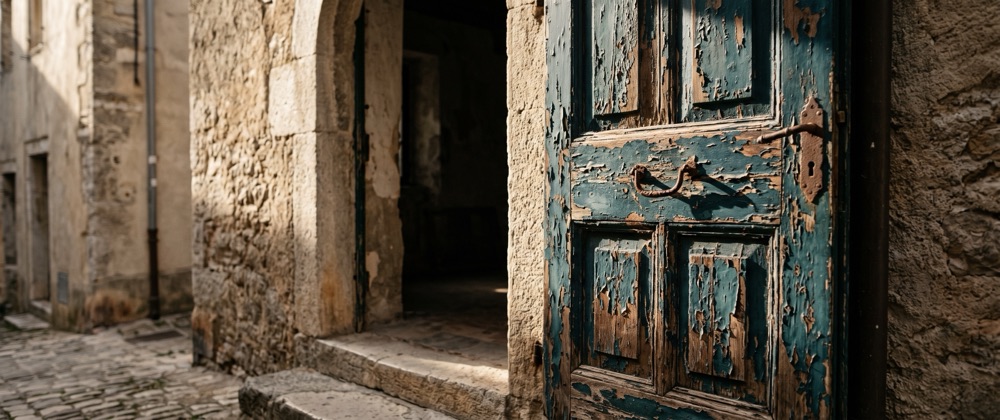
 2.39:1
09 · 75mm
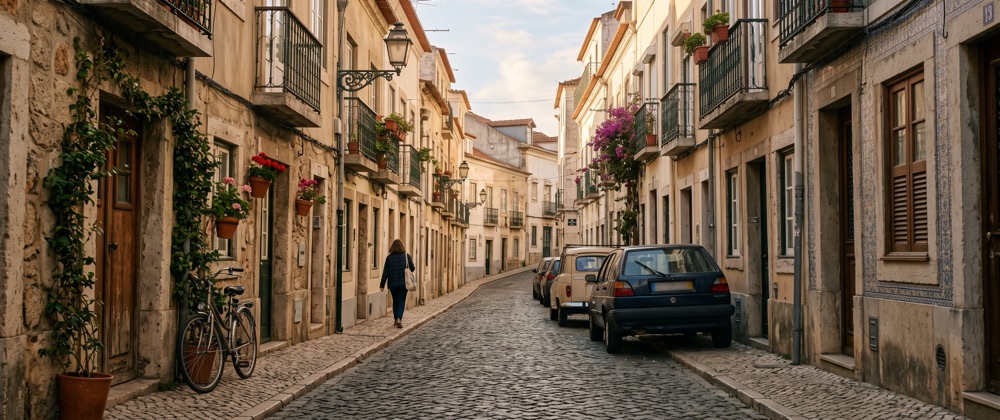
 2.39:1
10 · 24mm
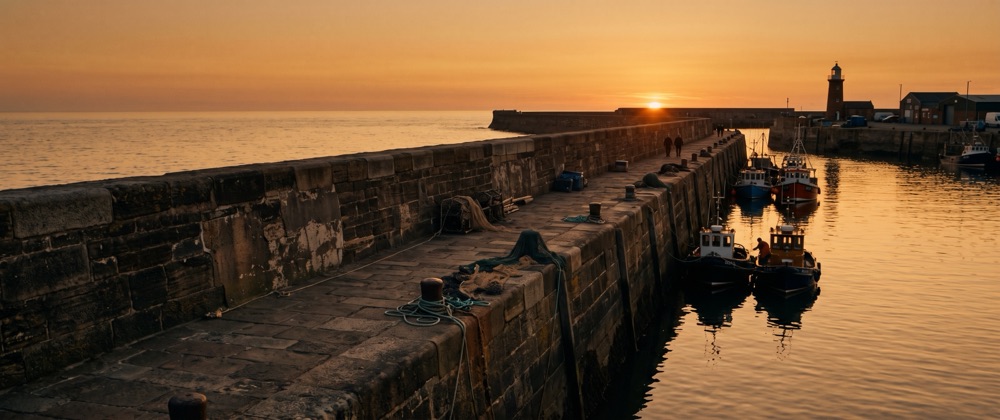
 2.39:1
11 · 50mm
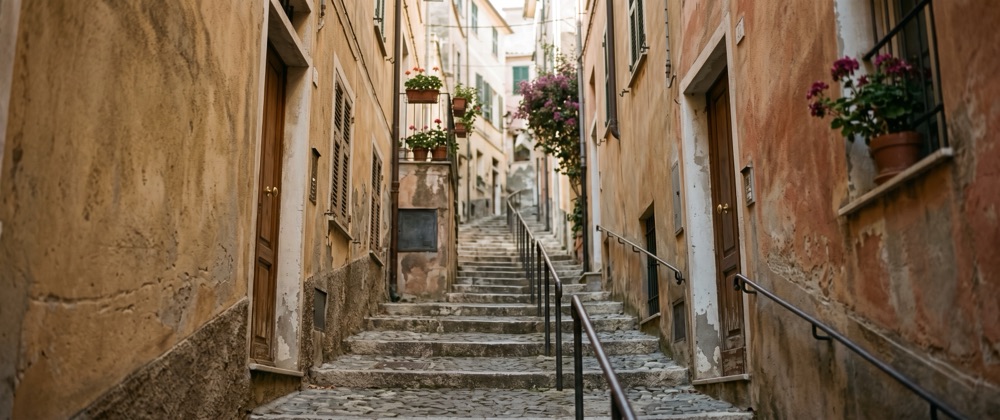
 2.39:1
12 · 35mm
-
 07 · 18mm
-
 08 · 35mm
-
09 · 75mm
-
10 · 24mm
-
11 · 50mm
-
12 · 35mm
Accurate by design
TruVisor reads your iPhone camera’s real field of view, and a quick calibration with a sheet of paper or a tape measure corrects it for your exact device, so frames match the real camera.
- Uses the field of view the iPhone reports, including distortion correction. Where there’s an ultra-wide camera, TruVisor uses it so wide lenses stay in range.
- Calibrate with a sheet of A4 or US Letter paper: tape it to a wall, move until it fills the frame’s width, and enter your distance to it. Or stand square to a wall at a known distance, read a tape at the frame’s edges, and enter two numbers.
- Corrections over 20 % are rejected, because they usually mean a measuring mistake.
- 1
- Known distance
- 2
- Left edge · Right edge
- 3
- Enter two numbers
- Camera modes · As of 2 October 2026
- 158 of 255 checked against a manufacturer source
- Lenses · As of 2 October 2026
- 236 of 285 checked against a manufacturer source
- ARRI ALEXA Mini LF 4.5K LF 3:2 Open Gate · 36.70 × 25.54 mm LF Verified
- ARRI Signature Prime 35mm T1.8 · CF 0.35m | 1'2" LF Verified
- Generic Super 35 24.89 × 18.66 mm S35 Verified
- Custom 2× anamorphic 50mm T2.8 · CF 0.9m | 2'11" 2× ANA Not verified
A catalog you can check
Cinema cameras, mirrorless bodies and film formats, with prime, zoom and anamorphic lens series. Every entry shows whether it was checked against the manufacturer’s spec sheet.
- A camera or lens series counts as verified only when everything in it is.
- Lenses list a T-stop or f-stop and close focus in metric and imperial: CF 0.33m | 1'1".
- Coverage badges (S35, FF, LF) and squeeze badges (2× ANA).
The rest of the toolkit
-
PRO
Shadow map
See where buildings and hills throw their shadows at any time of any day, on a tilted map around you. Drop a pin on your spot to know if it’s in sun or shade before you go.
In the sun · in building shade · behind the hills Pro · new in version 1 -
Composition guides
Turn on guides from the rail: center cross, action and title safe, a 4×4 grid, rule of thirds and golden ratio, in the color and weight you choose.
Action safe 93 % · title safe 90 % · thin, medium or thick lines Free -
Warns when a lens is too wide
If a lens sees wider than your iPhone can, TruVisor shows the image at its true relative size and tells you the widest it can match.
Wider than this iPhone · widest ≈ 13mm FF Free -
The numbers beside the frame
Horizontal and vertical field of view, full-frame equivalent, iPhone zoom and compass heading, beside the image instead of on top of it.
HFOV 54.4° · VFOV 37.8° · IPHONE ×1.43 · HEADING 118° SE Free -
Find any camera fast
Browse cameras A–Z by brand, search by brand, model or alias, and filter by cine, photo or film.
36.70 × 25.54 mm · 4448 × 3096 Free · Pro unlocks non-Generic cameras -
Build your lens set
Pick the lenses you’re carrying from a series. The arrows step only through your set.
35mm T2.1 CF 0.33m | 1'1" Free · Pro unlocks all lens series -
Add your own gear
Add custom cameras with as many sensor modes as you need, your own primes and zooms, and any aspect ratio.
Width and height in mm · T-stop or f-stop · close focus Free ratios · Pro cameras and lenses -
PRO
Favorites
Save a camera and lens combination and switch back to it in one tap.
Rename with a long press · delete with a swipe Pro -
Every frame, with its details
Browse your frames, see the lens, camera, heading, time and place for each, open the spot in Maps, and share.
12 · 35mm Free -
Stays on your iPhone
No account, no analytics and no tracking. Your frames stay on your iPhone until you share them, and location is optional.
Sun and motion calculations run on the device Free
TruVisor Pro
- Every camera, sensor mode and lens series in the catalog
- Anamorphic lenses, focal reducers and extenders
- Lens coverage checks with catalog gear and adapters
- PDF shot reports with heading, location and map QR codes
- Shadow map: building and hill shadows for any time and date
- Unlimited frames, without the watermark
- Your own custom cameras and lenses
- Favorites
Subscriptions renew automatically until cancelled in Settings › Apple ID › Subscriptions. The free trial, where offered, converts to a paid subscription unless cancelled at least 24 hours before it ends. Prices are set by the App Store and vary by country and region.
Questions
Which iPhone models does TruVisor support?
TruVisor runs on iPhone with iOS 17 or later, in landscape.
What happens when a lens is wider than my iPhone can see?
TruVisor shows the image at its true relative size inside the frame and warns you: “Wider than this iPhone · widest ≈ 13mm FF”. The number depends on the iPhone model.
How accurate is the frame?
TruVisor uses the field of view your iPhone reports, and you can calibrate it with a sheet of A4 or Letter paper or a tape measure. We’ll publish a measured figure once it has been tested.
Do my frames leave my device?
No. There’s no account, analytics or tracking. Frames and PDF reports stay on your iPhone until you share them, and location is optional.
Does the coverage checker tell me if a lens mounts on my camera?
No. It compares the lens’s image circle with the area the camera records. Mount fit isn’t checked, and each zoom has one circle, though zooms often cover less at the wide end.
Does the sun tracker need a connection?
No. The sun’s position is calculated on the iPhone. It needs location access. The shadow map is the exception: it loads map data from OpenStreetMap, so it needs a connection.
What does the free version include?
Generic sensor formats and lenses, camera controls, the sun tracker, composition guides, custom aspect ratios and up to 10 watermarked frames.